Give your thoughts a voice.
Hear replies in your chosen local voice, with expressions and mouth movement that follow the audio.
 Download
Meet Agent Avatar. A face, a voice, a presence for the AI you choose. Right here on your computer.
Loading the live avatar…
The model brings the answers.
You choose the presence.
Hear replies in your chosen local voice, with expressions and mouth movement that follow the audio.
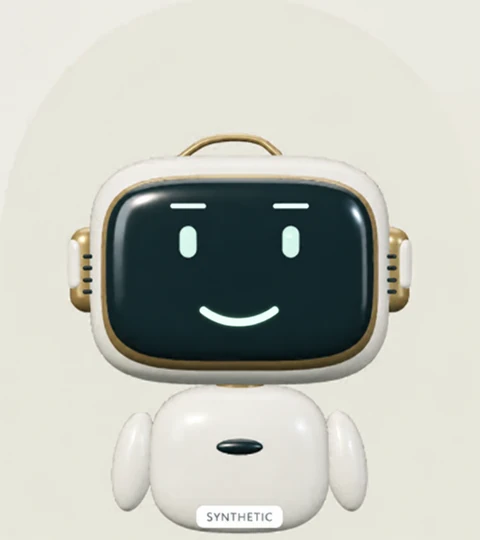
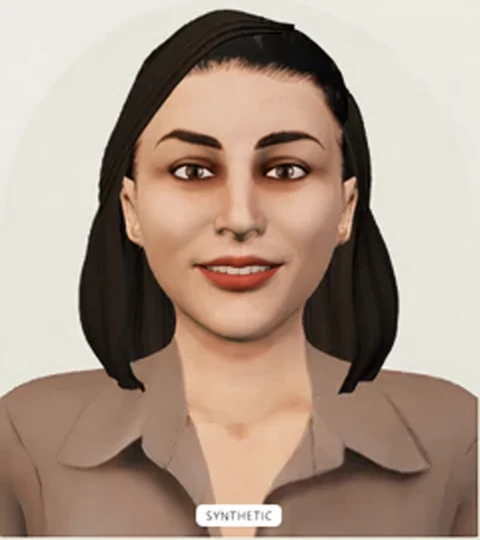
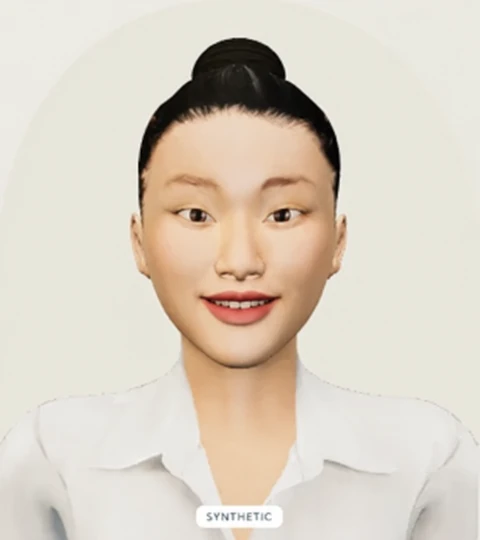
Choose a human face or an original character. Keep its look when you switch models; memory and replies depend on your chosen backend.
Choose your model and voice. Soften the motion or go still. Settle into a pace that feels comfortable.
Keep Agent Avatar beside your work in a small, movable window that stays above your other apps.
Settings → Chat → Hide to tray hides the window and stops the microphone and current reply. × quits the app. Click the someorbit orbit icon near the clock to bring it back; it may be under Windows’ hidden-icons arrow. Right-click for Settings, Reset position or Quit.
After Quit, ask your connected agent to show it again. You can also create a shortcut in desktop Settings → Chat for a fresh local-model session. Hiding keeps the session. Remember saves opted-in local history before normal quit; unsaved sessions end.
Use a local model, share replies through a connected agent, or add the avatar to your own interface.
Bring the view to a compatible host. The local preview supports an MCP tool and an interactive avatar card. The Apple Silicon desktop preview is available; other platforms are being qualified.
Mount the avatar in your own interface and connect your existing conversation adapter.
BEFORE YOUR FIRST HELLO
It is the face and conversation interface. Your selected model supplies the replies. The local preview supports installed Ollama and scripted examples.
Rendering and authored examples run locally. A downloaded local model can generate replies offline too. Connected remote models and browser dictation have their own network requirements.
A development preview with seven human characters and five original character styles, local web and MCP integrations, and an Apple Silicon desktop download. Other desktop platforms are being qualified. Human naturalness, physical microphones and external host compatibility are still being evaluated.
Yes. The web adapter accepts your streamed replies and voice lifecycle. The embedded MCP card displays replies; local voice playback is available in the Playground and optional desktop companion. See the integration guide for the current contract.
MEET AGENT AVATAR
Choose a character. Start a conversation. No account required.